
Highly Secured Devices
Devices installed in the data center can be identified as “highly secured” devices. A highly secured device is included in capacity calculations, but is hidden from users. Only an authorized user can view and manage a highly secured device.
An administrator can identify devices as highly secured using the Devices feature.
Path: Administration/Enterprise Configuration/Highly Secured Devices/Highly Secured Devices
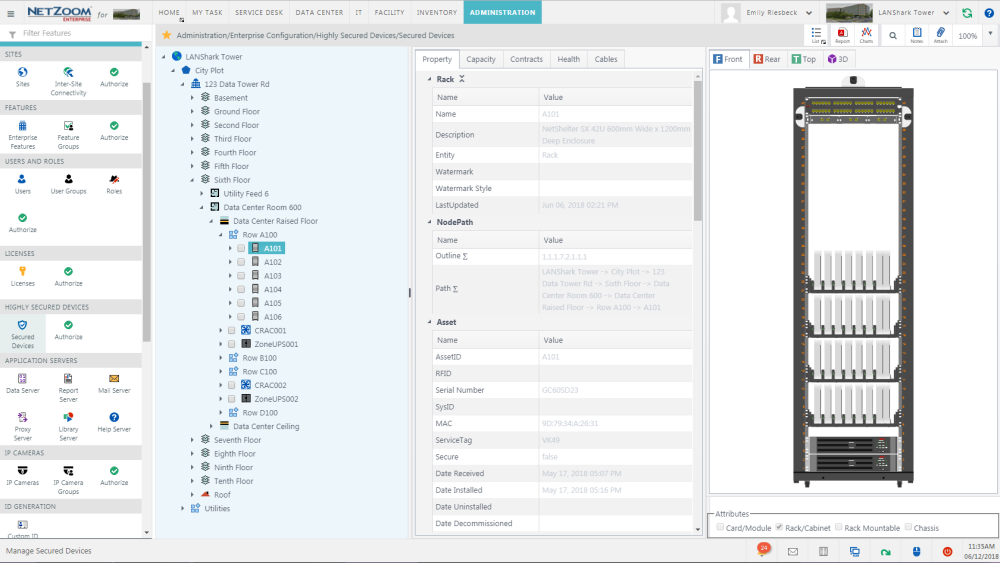
Available Quick Actions
How to Designate a Device as Secure
- To designate a highly secured device, select the device you want to make highly secured in the Explorer pane.
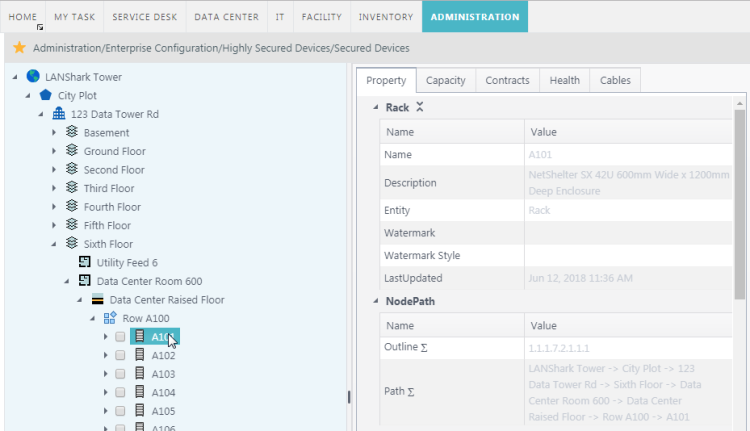
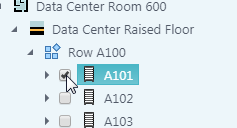
- Check [X] the box next to the device you want to secure.
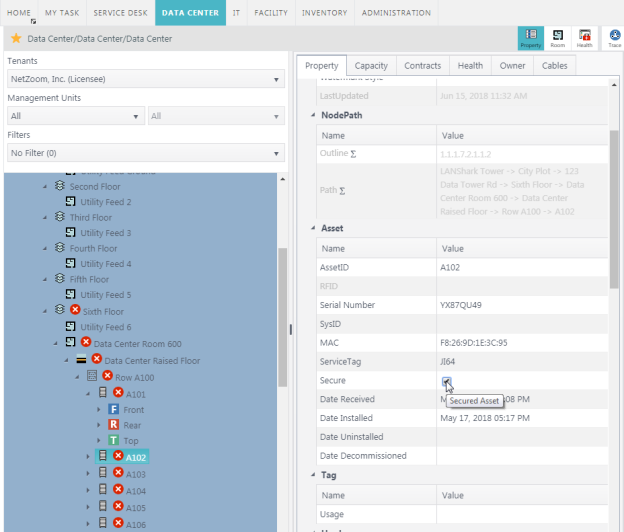
Devices can also be secured using the Secure property in the Asset property group of any device.
How to Authorize Access to a Highly Secured Device
- To authorize access to a highly secured device, navigate to the Authorize feature.
Path: administration/Enterprise Configuration/Highly Secured Devices/Authorize
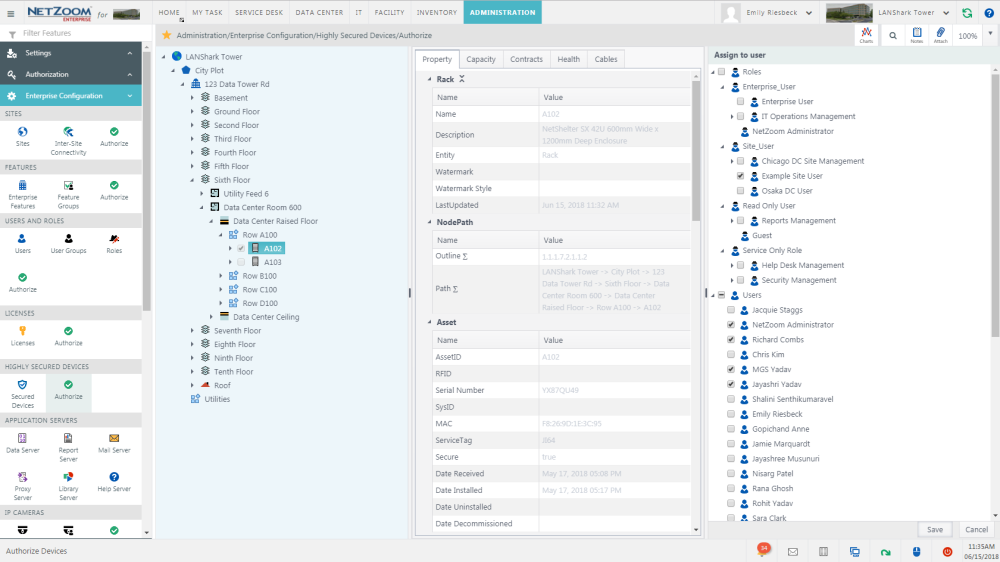
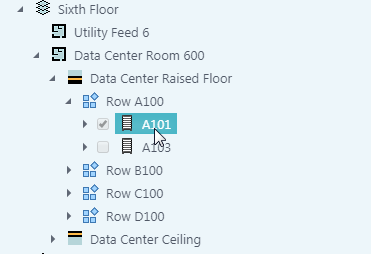
- In the Explorer pane, select the highly secured device you want to authorize users to.
- In the Assign to User pane, check [X] the users, roles or user groups you want to authorize to the highly secured device.
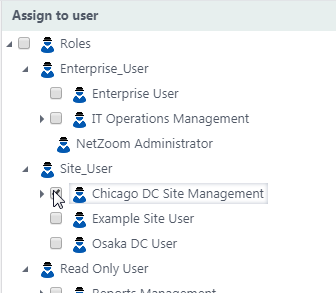
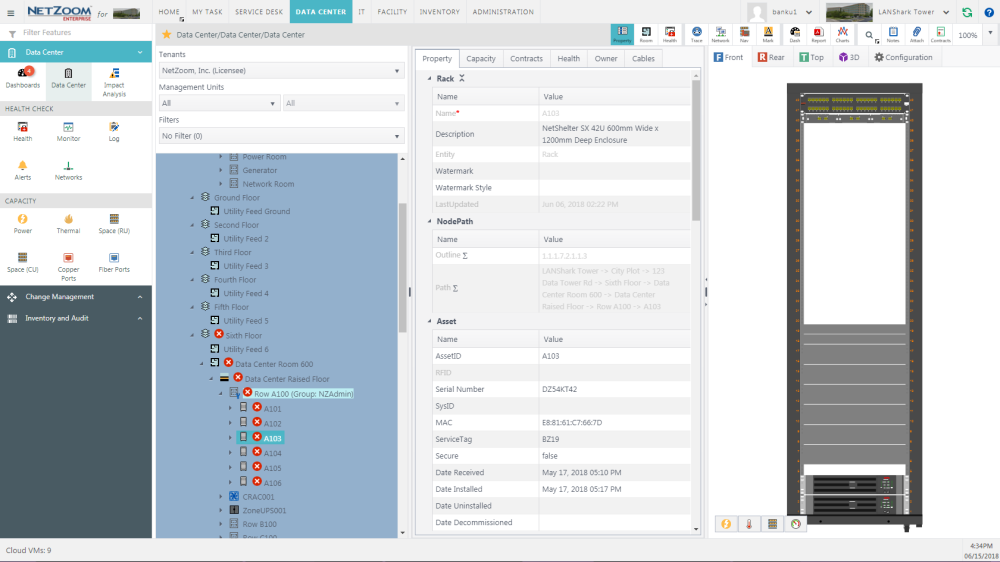
- Click the [SAVE] button. Checked users will have access to the selected item. Any users that are not authorized will not be able to view the device or its properties in the explorer, and it will be greyed out in previews.
How Highly secured devices appear in preview:
Last Updated: Thursday, August 13, 2020
NetZoom, Inc.